Acer Veriton L4630g vs. Dell Tower ECT1250
Comparison and Differences
Differences between Acer Veriton L4630g and Dell Tower ECT1250
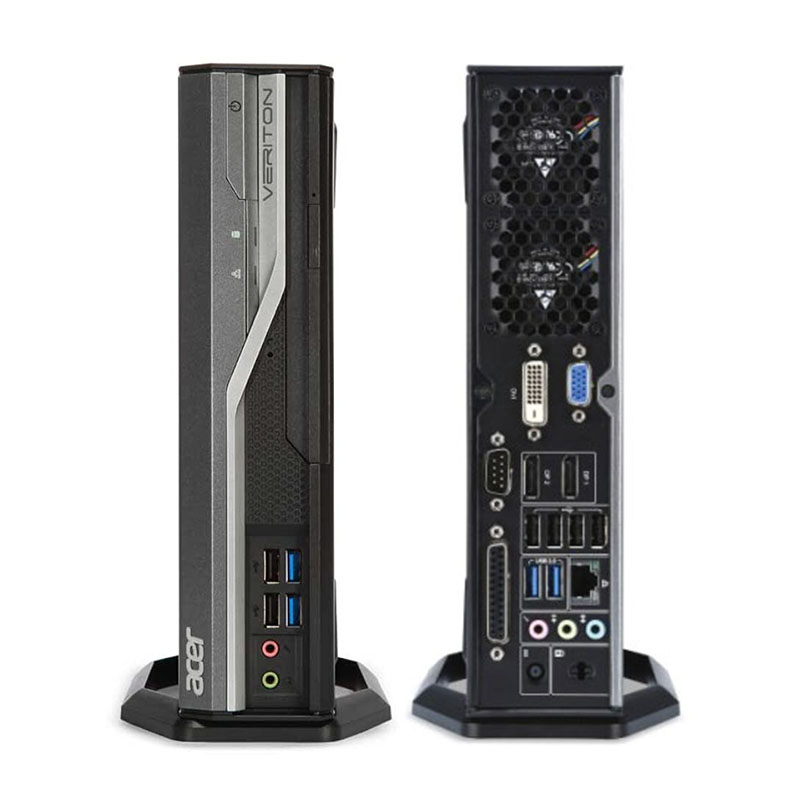
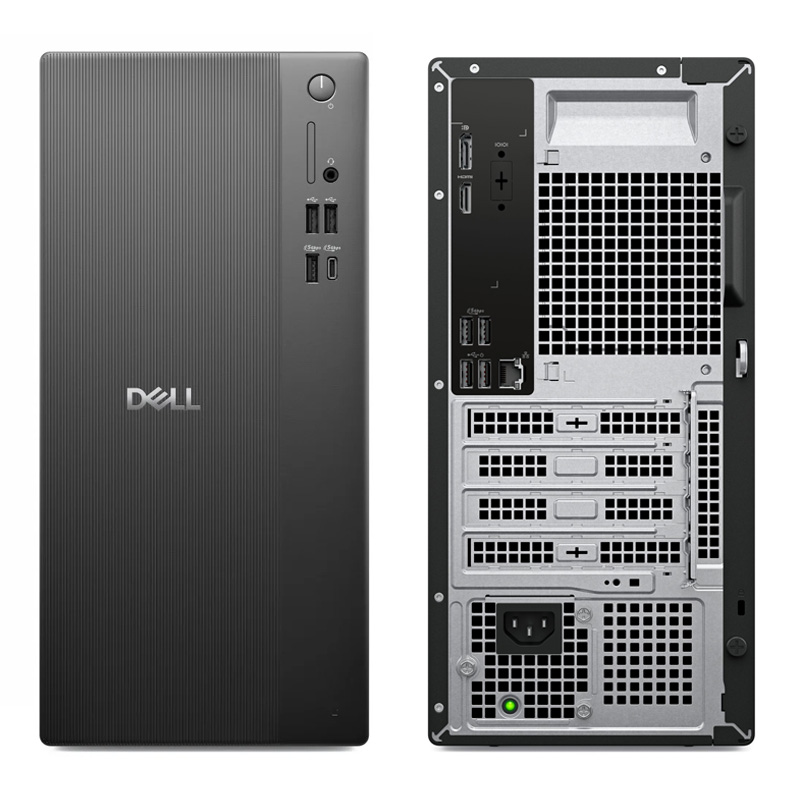
If you are looking for a more modern desktop, then you should go with the Dell Tower ECT1250 which was released in 2025. The Acer Veriton L4630g is older and entered production in 2014.
If you are looking for the smaller form factor the Acer Veriton L4630g is the right one for you. It is smaller than the Dell Tower ECT1250 and will fit more easily under your desk.
Processor
Usually the newer the generation of the CPU, the better the performance and efficiency is. If your budget allows it, you should go with the Dell Tower ECT1250 as it is running a newer generation CPU. This is not to say that Acer Veriton L4630g is bad - it can still run some powerful CPUs, albeit being an older generation.
Memory
Both models have have equal amount of ram slots (2 RAM). Usually two RAM slots are more than enough for most cases. However, the count should be taken into account when planning how much and what combination of RAM you are going to need for your system.
The Dell Tower ECT1250 is using the faster 5600 MT/s RAM. The Acer Veriton L4630g is slower by supporting RAM speeds of up to 1600 MT/s. Additionally, if you will be needing a lot of RAM, better go for the Dell Tower ECT1250 as it has the ability to run 64 GB of RAM. The Acer Veriton L4630g can do a bit less at max 16 GB. Most of the times, this should be sufficient for the majority of users.
Ports
In total the Acer Veriton L4630g has 10 USB ports. The Dell Tower ECT1250 is inferior in this regard and packs 7 USB ports. In any case, if you miss USB ports, you can always purchase a USB hub. None of the desktop models has a USB 3.1 port (10Gb/s), so if you need a fast connection to your peripherals, like external Solid State Drive, you will need to look elsewhere.
DisplayPort is crucial for any desktop machine. It is good to see that both models are featuring DisplayPorts. However, the Acer Veriton L4630g comes with 2 ports, while the Dell Tower ECT1250 has only 1. If you are planning to use multiple monitors, the Acer Veriton L4630g is the better choice.
The Dell Tower ECT1250 comes with an HDMI port, while the Acer Veriton L4630g does not support the interface. Of course missing HDMI port is something that can be easily fixed with a good adapter (e.g. DisplayPort to HDMI).
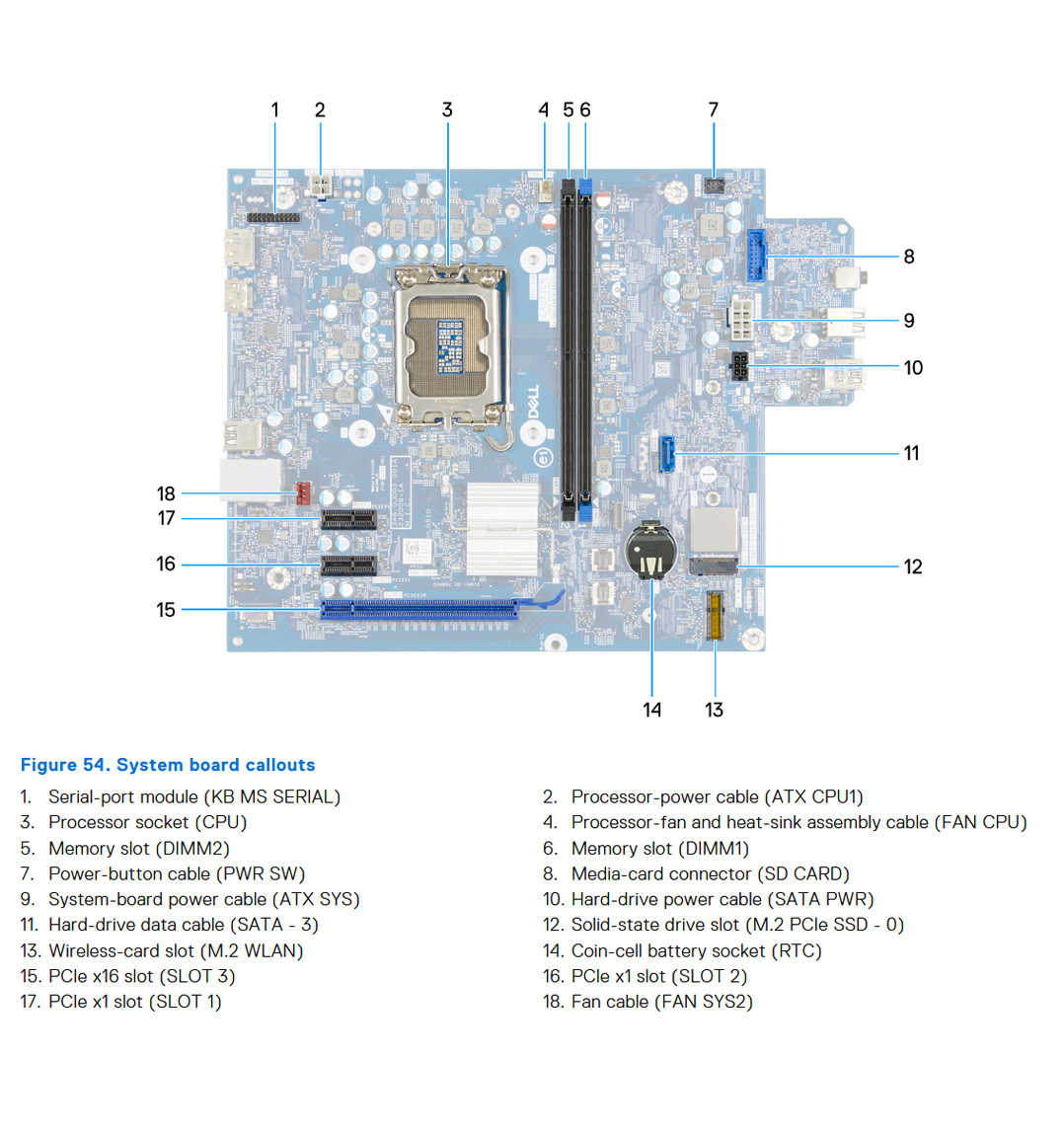
SATA slots are located on the motherboard and it is where SSD, HDD and Optical Disk Drives are connected. Each of the two models being compared have 1 SATA slot(s). Keep in mind that having too few SATA slots might limit your options for connecting additional memory drives.
If you want the fastest transfer speeds for your SSD, an M.2 interface is crucial. Thus, if the M.2 SSD slot is a mandatory requirement for you, go with the Dell Tower ECT1250. Sadly, the Acer Veriton L4630g has no such slot, and you will be forced to use the SATA interface instead.
Make sure that the available M.2 slot supports the PCIe (also called NVMe) interface. This is important as there are M.2 slots which support only the inferior SATA III interface. For comparison, the SATA III interface has max speeds of 6Gb/s, while the PCIe 3.0 x4 will support speeds up to 32Gb/s!
Power Supply
Having a Power Supply Unit with high power rating is important, if you are going to use components which require extra power. The Acer Veriton L4630g comes with a decent 135 Watt PSU, but the Dell Tower ECT1250 has a more powerful one rated at 300 Watts. Choosing either one depends on your specific requirements and use case. Also don't forget that some models might have more than one PSU option - try to always get the most powerful one, especially if you plan to upgrade to a powerful GPU.
Motherboard