Dell Pro Max Slim FCS1250 vs. Dell Pro Tower Essential QVT1260
Comparison and Differences
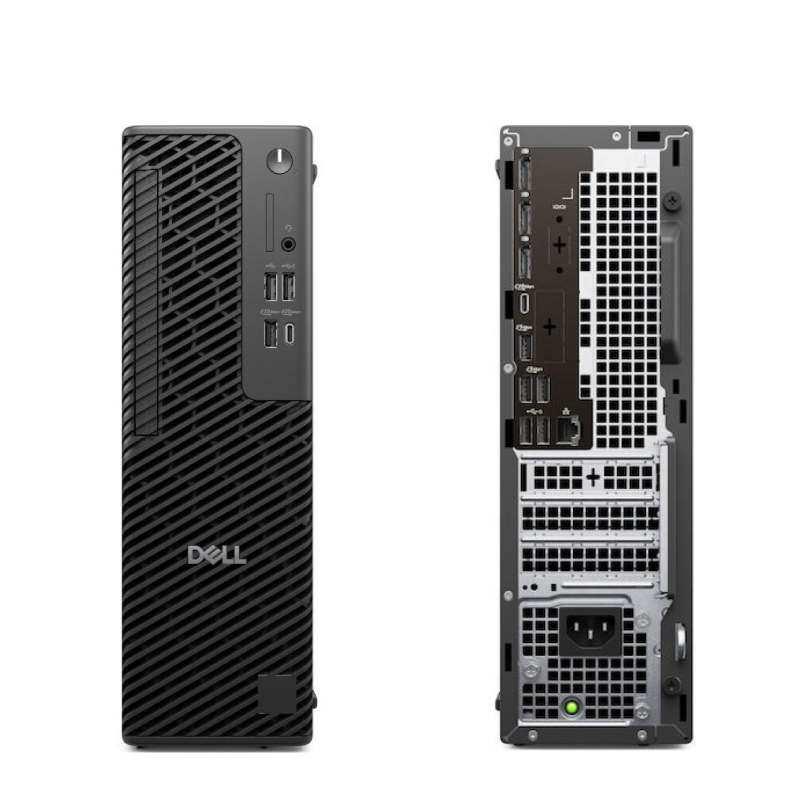
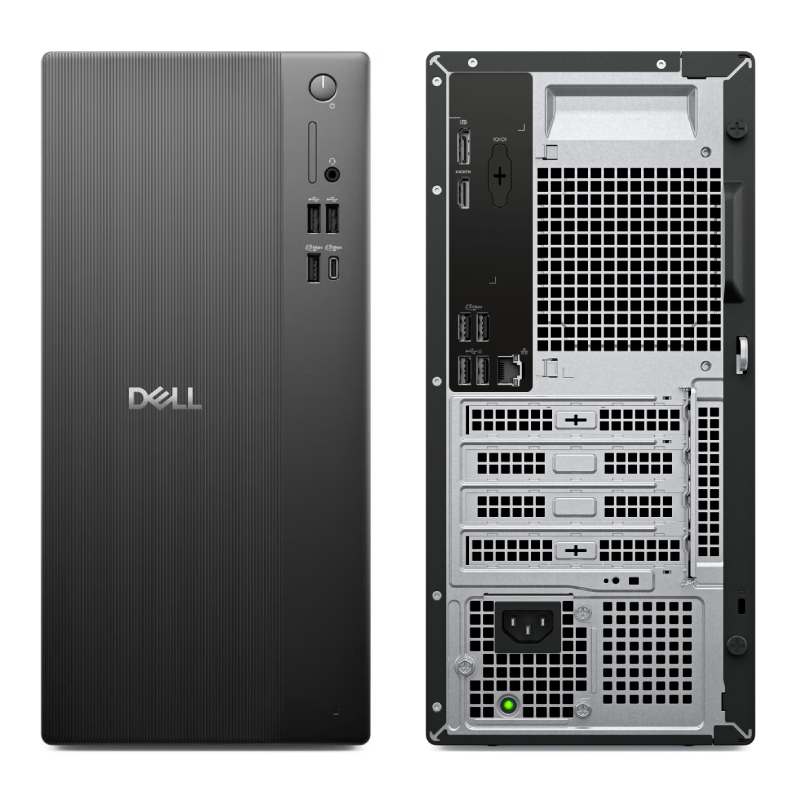
Differences between Dell Pro Max Slim FCS1250 and Dell Pro Tower Essential QVT1260
Both computers, the Dell Pro Max Slim FCS1250 and the Dell Pro Tower Essential QVT1260, were released during the same year - 2025.
If you are looking for the smaller form factor the Dell Pro Max Slim FCS1250 is the right one for you. It is smaller than the Dell Pro Tower Essential QVT1260 and will fit more easily under your desk.
Processor
The two models have the same generation of Intel processors. We think that the 16 generation of Intel Processors have enough power to execute all of the home and office tasks that most people will care to do.
Memory
The Dell Pro Max Slim FCS1250 has 4 RAM slots while the Dell Pro Tower Essential QVT1260 has only 2 slot(s). This is not something to worry about. Just make sure you take it into consideration when planning how much RAM you are going to use.
None of the desktops has an advantage when it comes to the speed of the RAM being used. Both models support RAM speeds of up to 5600. Additionally, if you will be needing a lot of RAM, better go for the Dell Pro Max Slim FCS1250 as it has the ability to run 128 GB of RAM. The Dell Pro Tower Essential QVT1260 can do a bit less at max 32 GB. Most of the times, this should be sufficient for the majority of users.
Ports
In total the Dell Pro Max Slim FCS1250 has 10 USB ports. The Dell Pro Tower Essential QVT1260 is inferior in this regard and packs 8 USB ports. In any case, if you miss USB ports, you can always purchase a USB hub. None of the desktop models has a USB 3.1 port (10Gb/s), so if you need a fast connection to your peripherals, like external Solid State Drive, you will need to look elsewhere.
DisplayPort is crucial for any desktop machine. It is good to see that both models are featuring DisplayPorts. However, the Dell Pro Max Slim FCS1250 comes with 3 ports, while the Dell Pro Tower Essential QVT1260 has only 1. If you are planning to use multiple monitors, the Dell Pro Max Slim FCS1250 is the better choice.
The Dell Pro Tower Essential QVT1260 comes with an HDMI port, while the Dell Pro Max Slim FCS1250 does not support the interface. Of course missing HDMI port is something that can be easily fixed with a good adapter (e.g. DisplayPort to HDMI).
SATA ports are placed on the system board and it is where you connect your HDD, SSD and Optical Disk Drives. More SATA slots will allow you to have more drives running at the same time. In this regard the Dell Pro Max Slim FCS1250 is better equipped as it comes with 2 SATA slot(s), while the Dell Pro Tower Essential QVT1260 has 1 slot(s).
An M.2 SSD can be several times faster than a SATA one. Thus, we are happy to see that both models support the M.2 interface. However, the Dell Pro Max Slim FCS1250 has 1 M.2 slots while the Dell Pro Tower Essential QVT1260 comes with just 1.
Make sure that the available M.2 slot supports the PCIe (also called NVMe) interface. This is important as there are M.2 slots which support only the inferior SATA III interface. For comparison, the SATA III interface has max speeds of 6Gb/s, while the PCIe 3.0 x4 will support speeds up to 32Gb/s!
Power Supply
Looking at the Power Supply Unit (PSU) of the two models we don't see any differences. For either of them you get a maximum power of 360 Watts. However be careful, many models have more than one power supply option. When buying your computer, it is a good idea to get a version with the most powerful PSU. This will potentially allow you to upgrade to a more powerful GPU for example.
Motherboard